**Algorithm Flow:** 1. **Initialize**: Create an array `deck` containing integers `[0...77]`. 2. **Orientation (正逆位决定)**: * Iterate through each card. * Apply randomization: `isReversed = random() < THRESHOLD`. * *Recommended Threshold*: `0.4` (40% chance of being reversed). 3. **Shuffle (Fisher-Yates)**: * Loop `i` from `77` down to `1`: * Pick random integer `j` where `0 <= j <= i`. * Swap `deck[i]` with `deck[j]`.
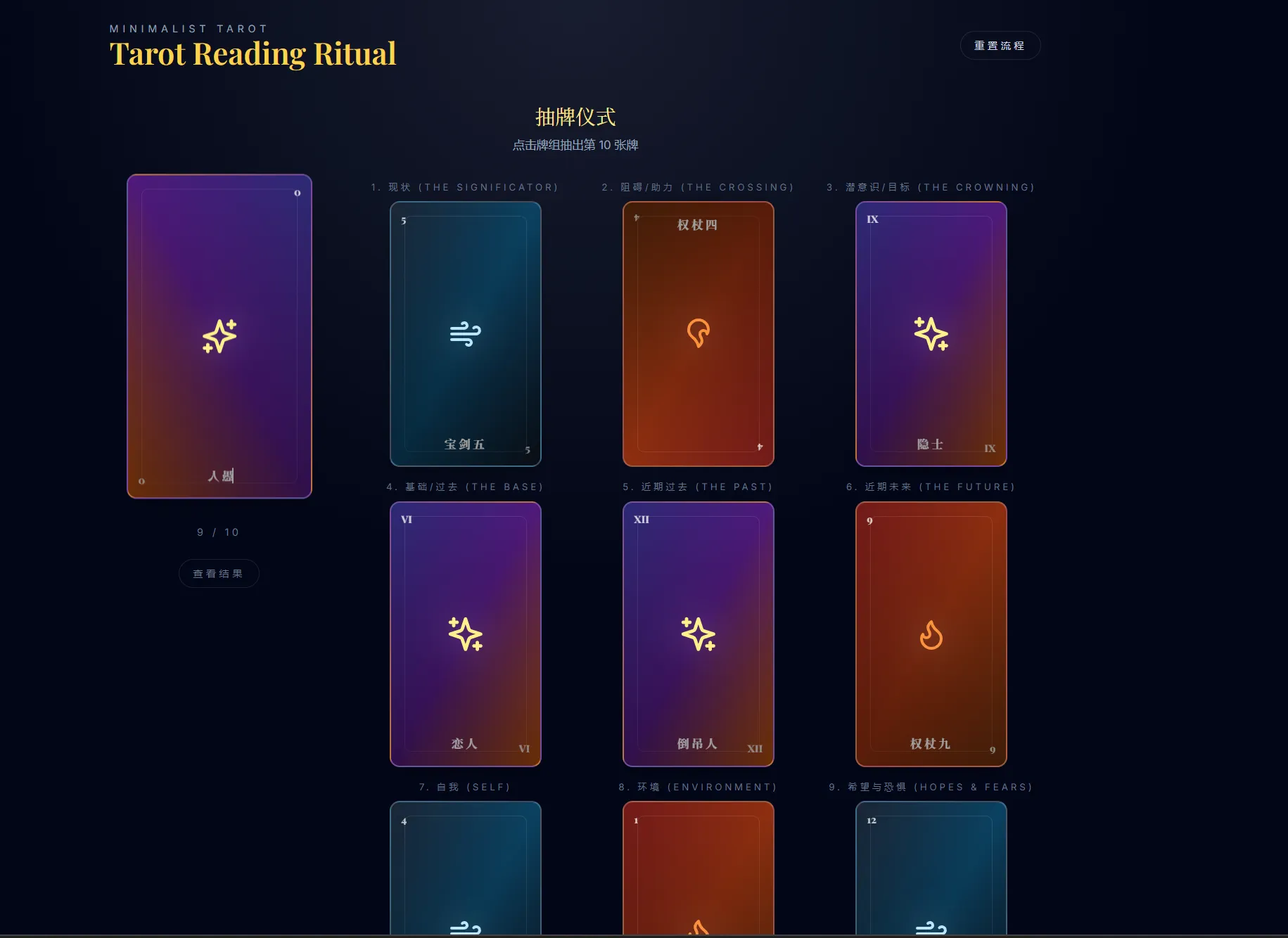
### 2.3 Drawing Logic (抽牌算法) 1. **Input**: * `shuffledDeck`: The array from step 2.2. * `count`: Number of cards needed for the selected spread. 2. **Process**: * Slice the first `count` items from `shuffledDeck`. * (Optional Feature): "Cutting the deck" - Pick a random index, move the top chunk to the bottom before drawing. 3. **Output**: * An ordered array of `DrawnCard` objects.
## 3. Spread Definitions (牌阵规则)
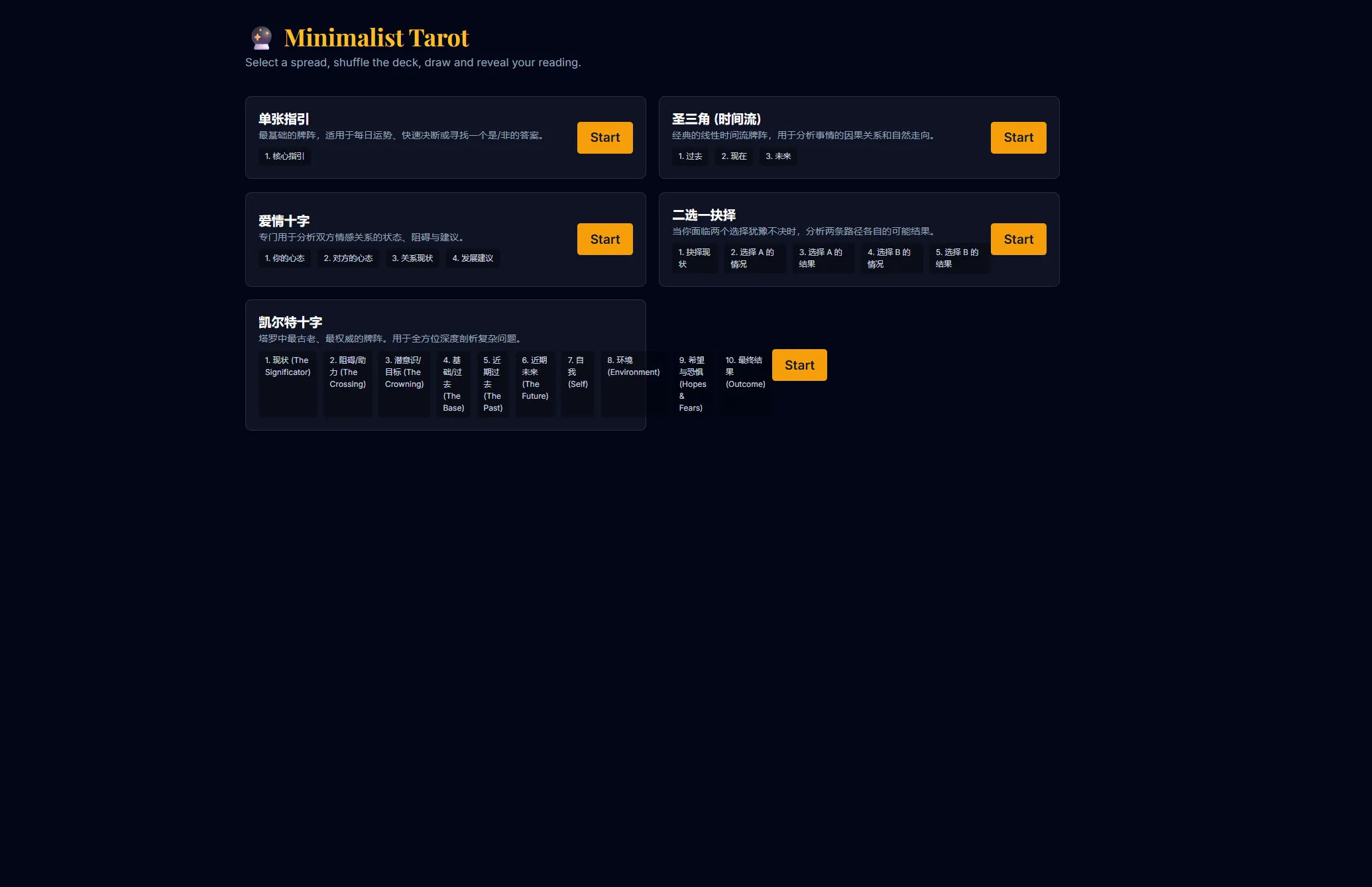
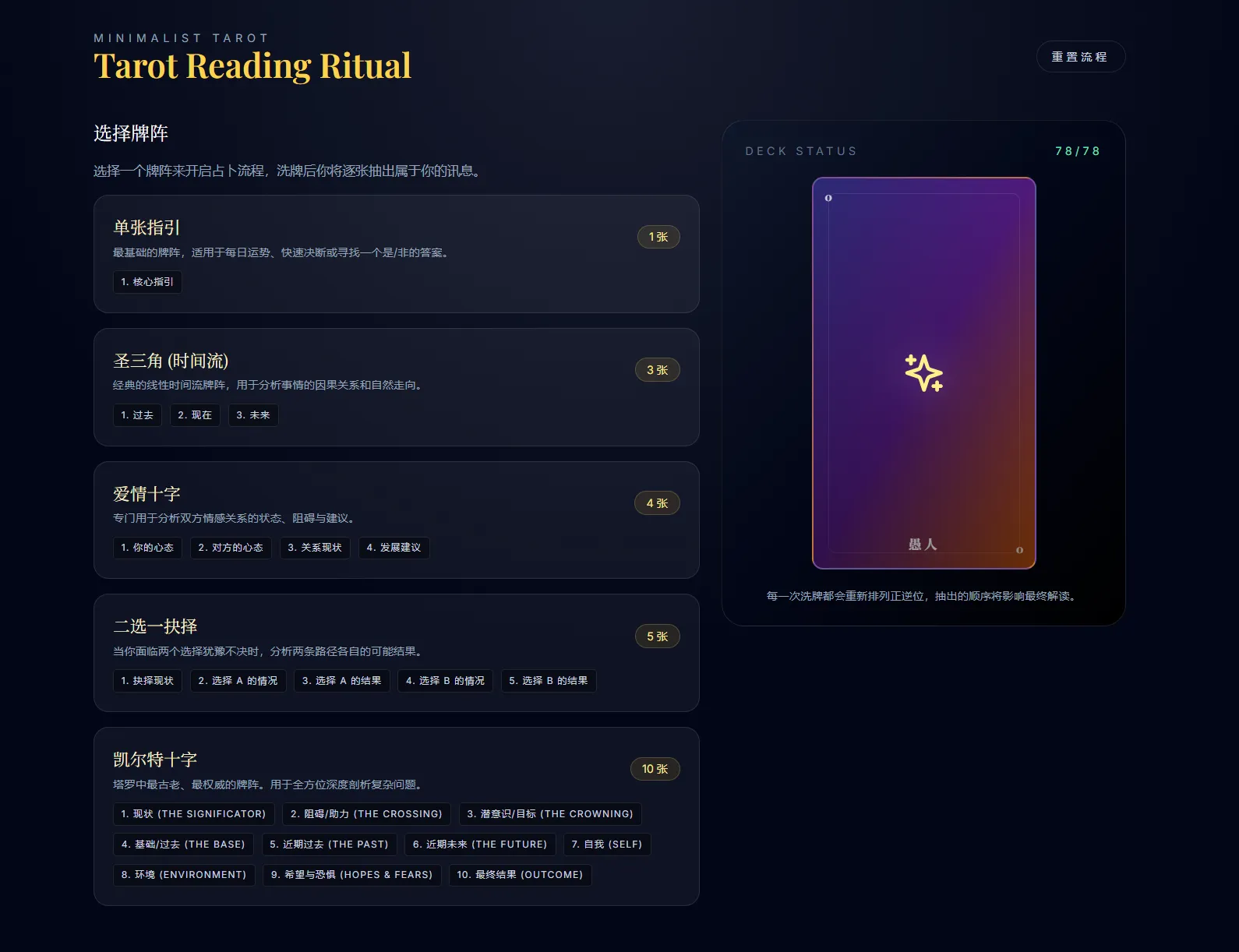
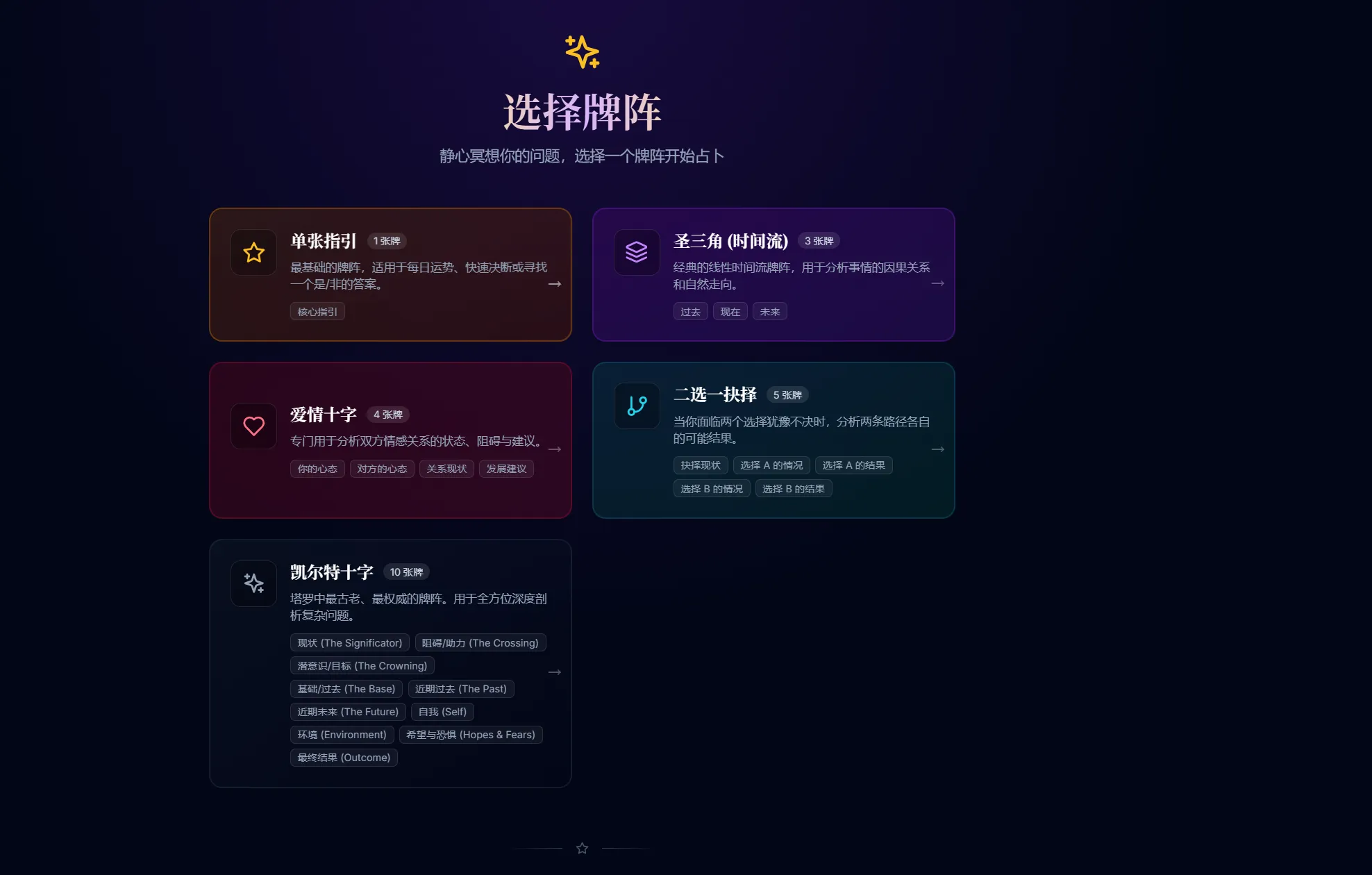
以下是核心支持的牌阵逻辑。`id` 必须与前端配置保持一致。
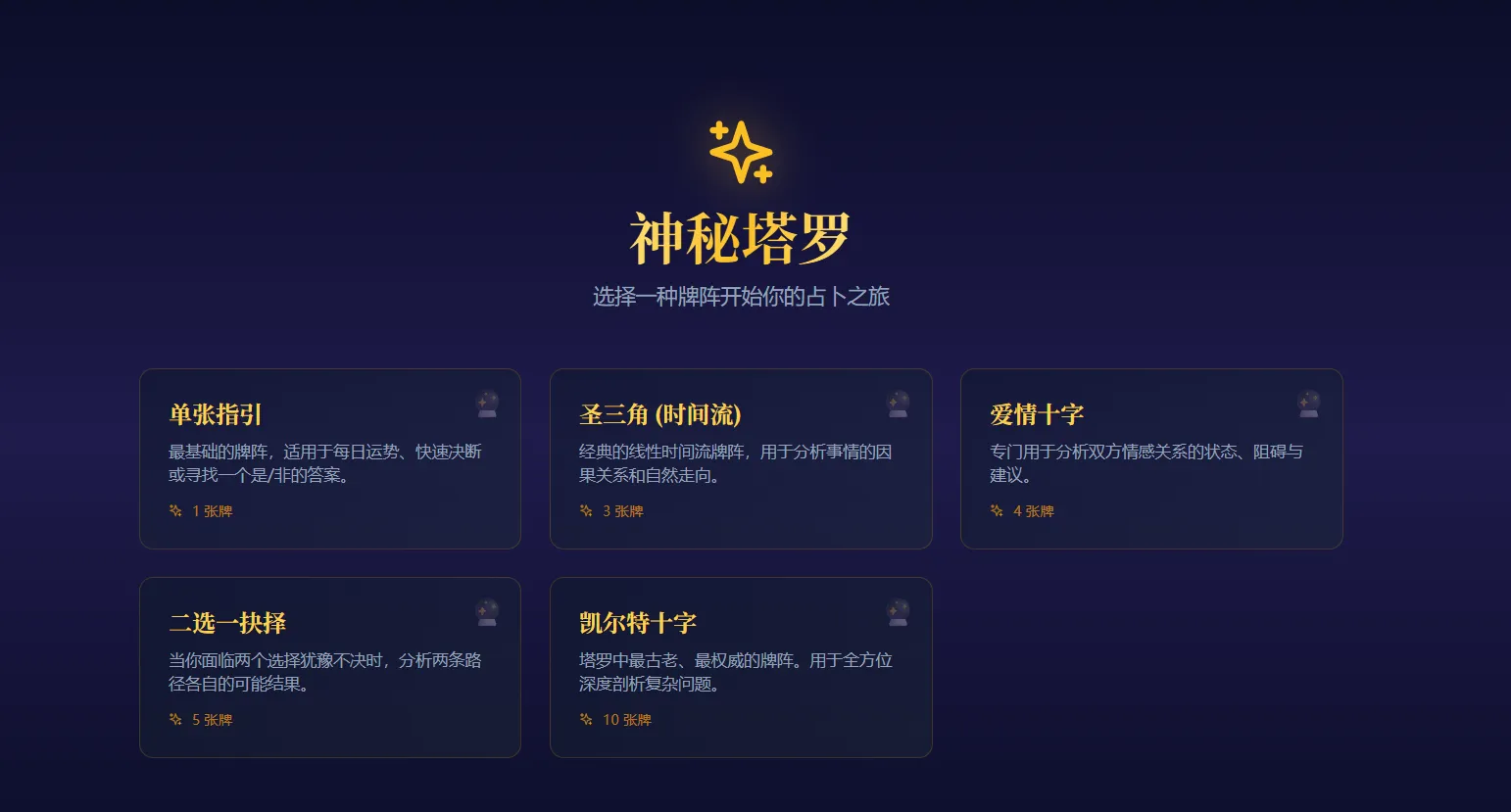
### 3.1 Single Card (单张指引) * **ID**: `single_card` * **Count**: 1 Card * **Logic**: * **Pos 0 (Core)**: Returns the direct answer or "Yes/No" energy.
### 3.2 Three Card Spread (圣三角 - 时间流) * **ID**: `time_flow` * **Count**: 3 Cards * **Logic**: * **Pos 0 (Past)**: Represents root causes, background context. * **Pos 1 (Present)**: Current situation, immediate challenges. * **Pos 2 (Future)**: Likely outcome if current path is unchanged.
### 3.3 Love Cross (爱情十字) * **ID**: `love_cross` * **Count**: 4 Cards * **Logic**: * **Pos 0 (Querent)**: User's attitude/mindset in the relationship. * **Pos 1 (Partner)**: Partner's attitude/mindset. * **Pos 2 (Status)**: Current dynamic or bridge between them. * **Pos 3 (Advice)**: Future trend or action to take.
### 3.4 Two Paths (二选一抉择) * **ID**: `two_paths` * **Count**: 5 Cards * **Logic**: * **Pos 0 (Significator)**: The current dilemma. * **Pos 1 (Path A - Action)**: Short-term effect of Option A. * **Pos 2 (Path A - Result)**: Long-term outcome of Option A. * **Pos 3 (Path B - Action)**: Short-term effect of Option B. * **Pos 4 (Path B - Result)**: Long-term outcome of Option B.
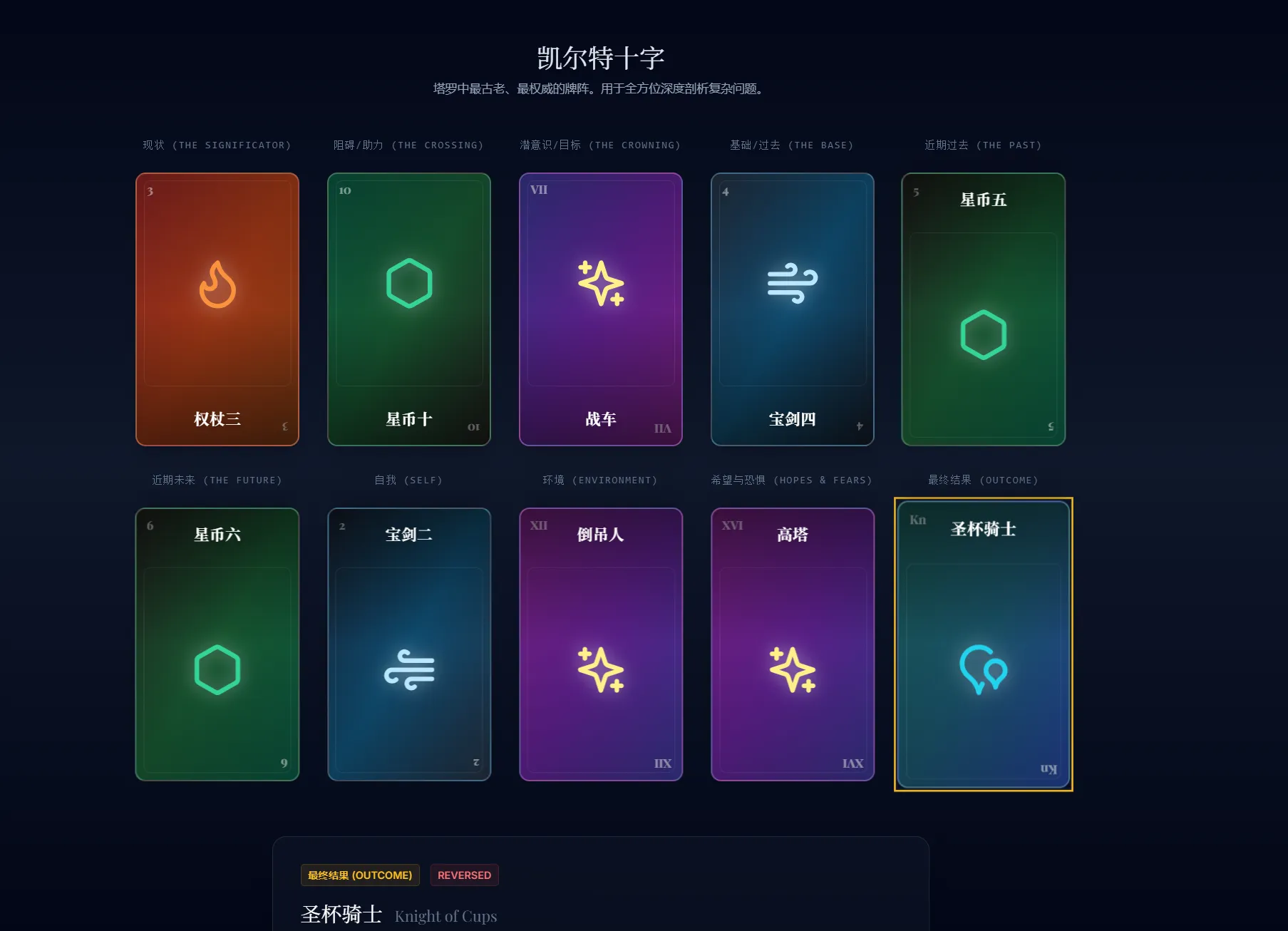
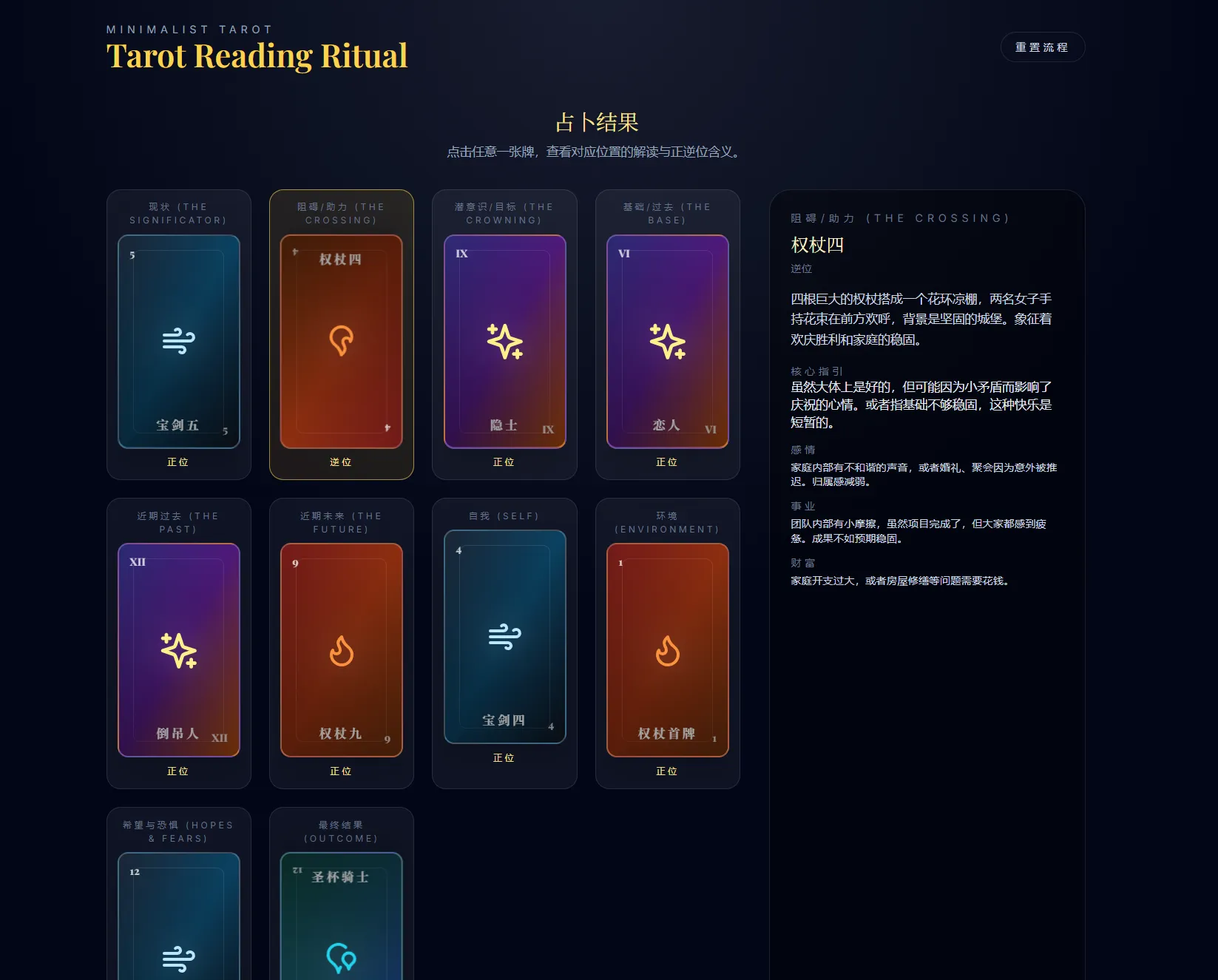
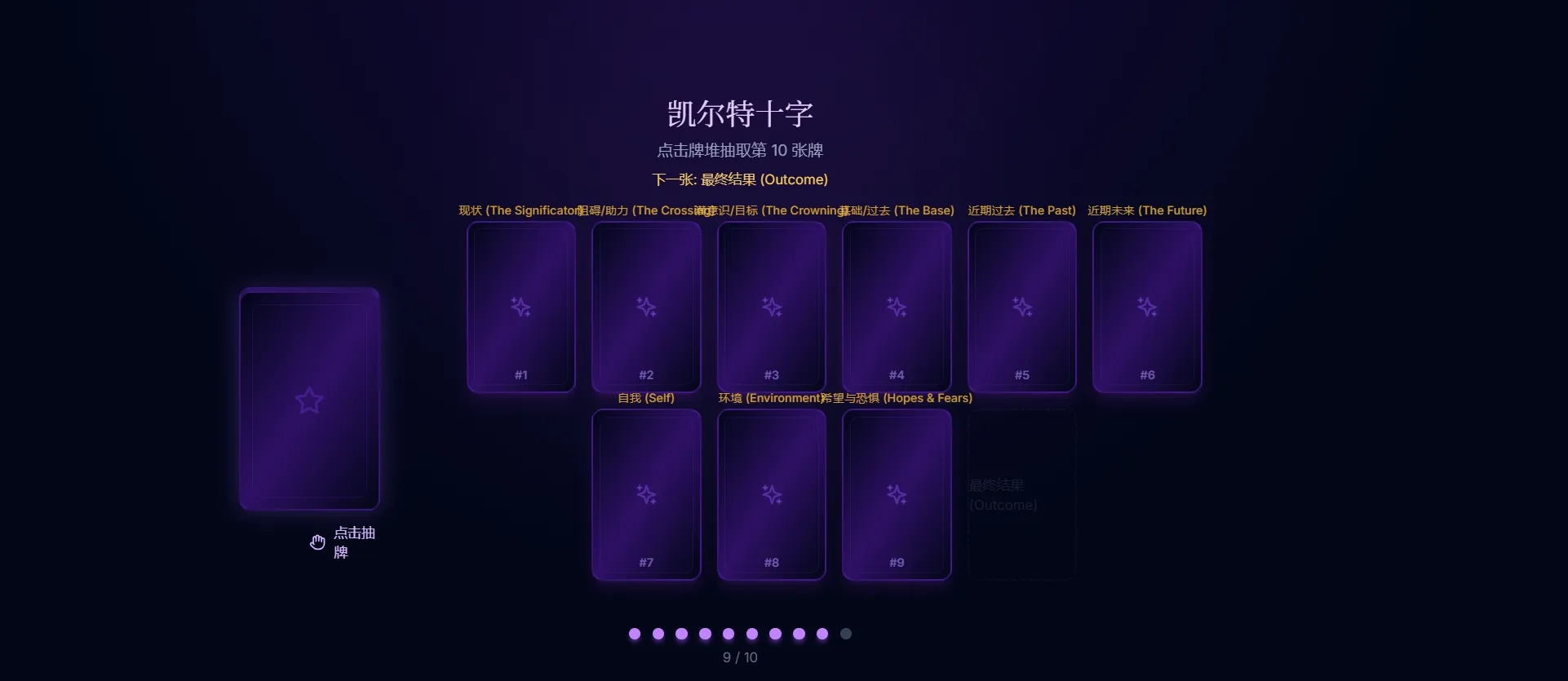
### 3.5 Celtic Cross (凯尔特十字 - 完整版) * **ID**: `celtic_cross` * **Count**: 10 Cards * **Logic**: * **Pos 0 (The Present)**: The core situation (covering the significator). * **Pos 1 (The Challenge)**: Immediate obstacle or crossing energy. * **Pos 2 (The Past)**: Foundations, distant past events. * **Pos 3 (The Future)**: Recent past events influencing now. * **Pos 4 (The Goal)**: Higher power, best outcome, or conscious goal. * **Pos 5 (Near Future)**: Immediate future (next few weeks). * **Pos 6 (The Self)**: Querent's internal state. * **Pos 7 (Environment)**: External influences (family, work). * **Pos 8 (Hopes/Fears)**: Psychological undercurrents. * **Pos 9 (Outcome)**: Final resolution (3-6 months).
# Goal Build a "Minimalist Tarot Web App" using React + Tailwind CSS. The app must work WITHOUT any external image files. All UI must be programmatically generated.
# Context I have provided the JSON data files (`data/*.json`, `config/*.json`) and TypeScript definitions (`tarot.d.ts`).
# Requirements
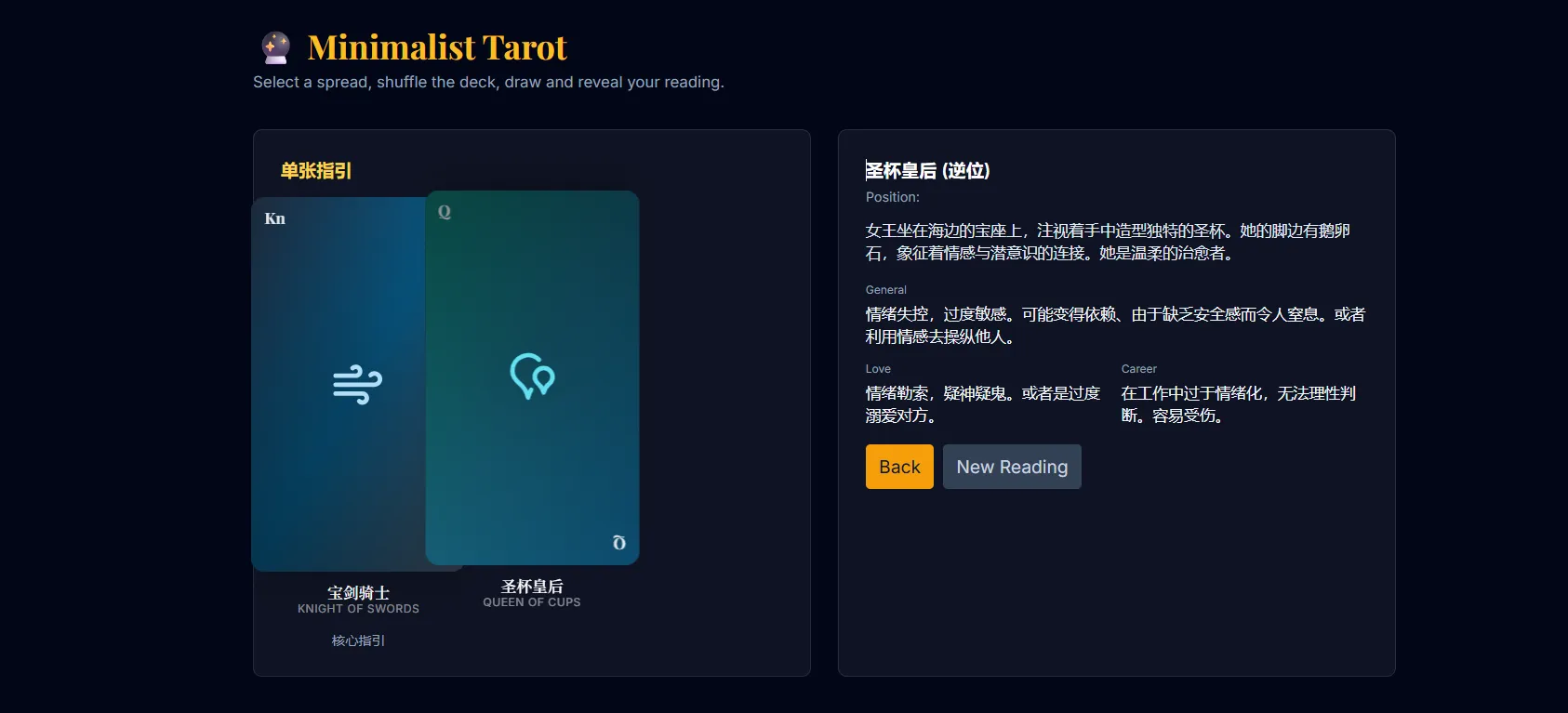
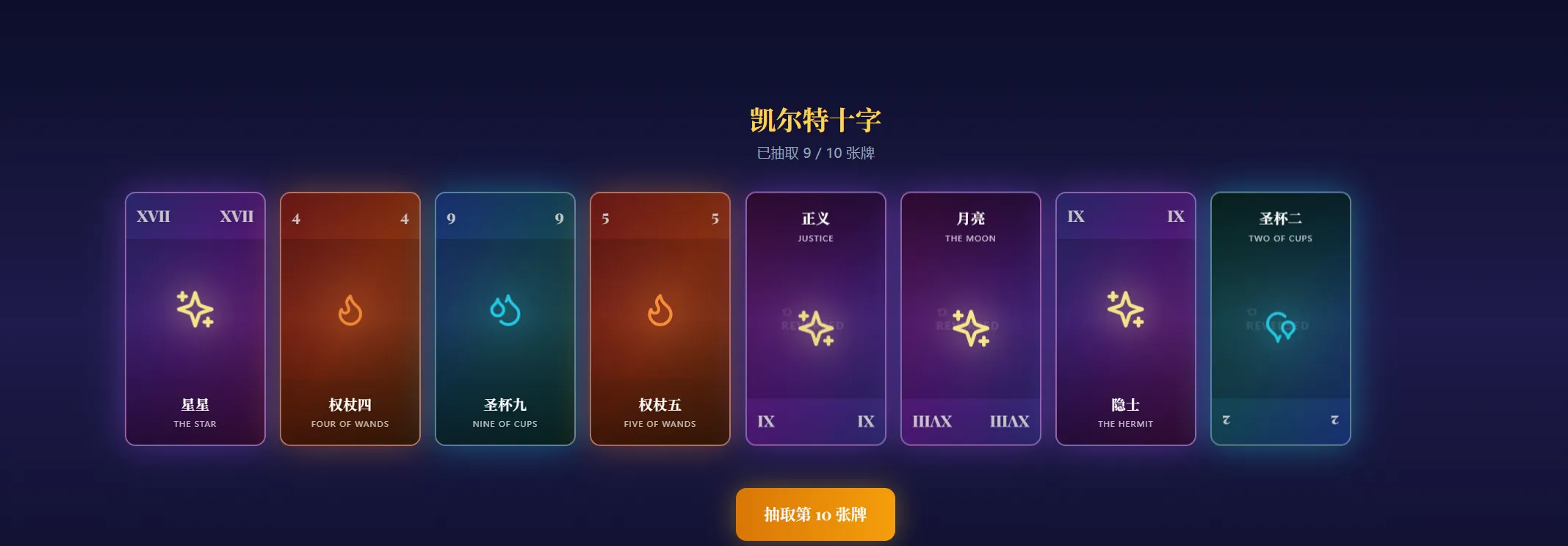
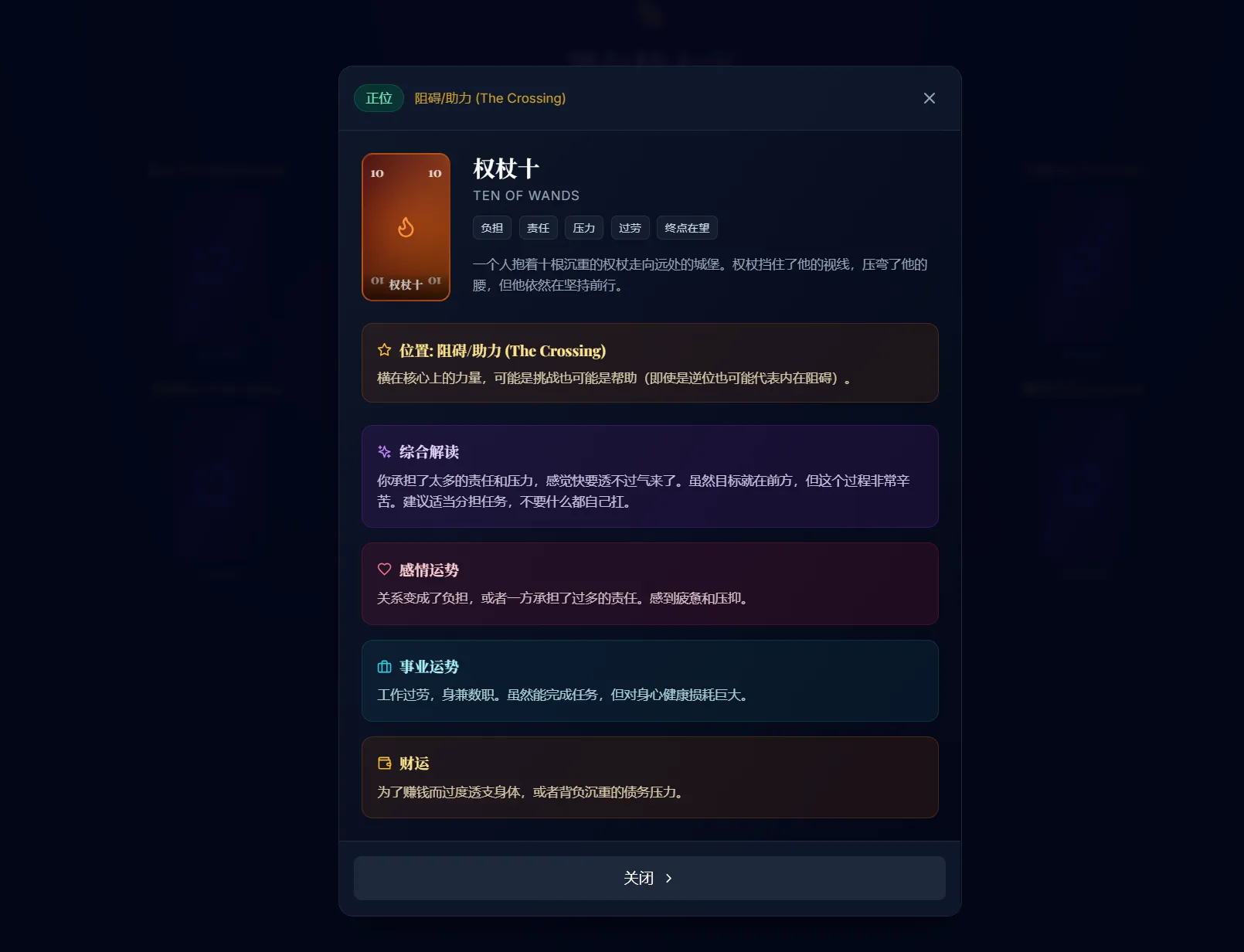
## 1. The <Card /> Component (No Images) Instead of loading JPEGs, create a beautiful, CSS-styled card component. - **Aspect Ratio**: Standard Tarot card ratio (approx 2:3.5). - **Dynamic Styling**: - If `type === 'Major Arcana'`: Use a Mystical Purple/Gold gradient background. - If `element === 'Fire'`: Use a Warm Red/Orange gradient. - If `element === 'Water'`: Use a Calm Blue/Teal gradient. - If `element === 'Air'`: Use a Sharp Gray/Sky gradient. - If `element === 'Earth'`: Use a Natural Green/Brown gradient. - **Content**: - Center: Display the specific Icon for the suit (use Lucide-React icons or Emojis). - Top/Bottom Corners: Display the Roman Numeral (for Major) or Number (for Minor). - Bottom Center: Display `name_cn` (Chinese Name). - **Reversal**: - If `isReversed === true`: The card visual container should be rotated 180deg. - *UX Note*: Ensure the text label (`name_cn`) is readable (either don't rotate the text, or place the text outside the rotated container).
## 2. The Logic (Engine) - Implement the `shuffle` and `draw` logic as defined in `ENGINE_SPEC.md` (if provided) or use Fisher-Yates shuffle. - Load data from the provided JSON files.
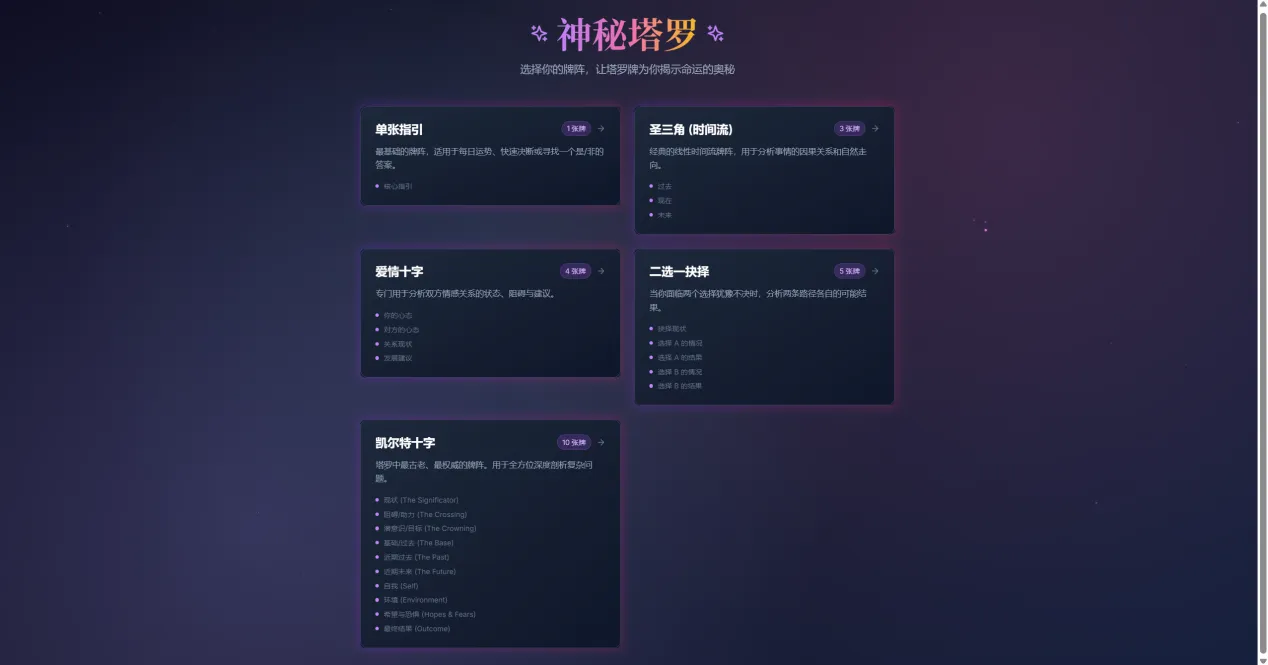
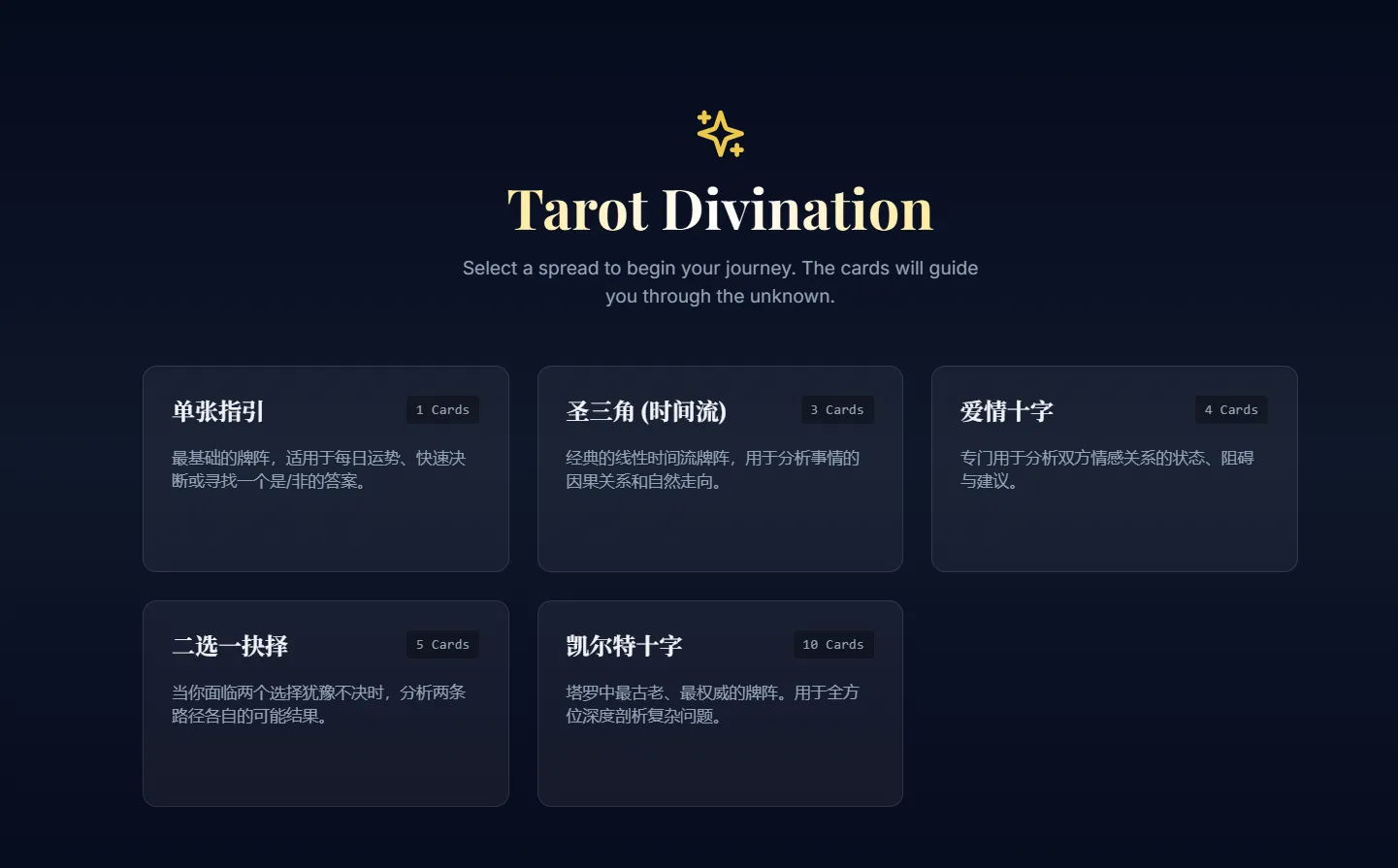
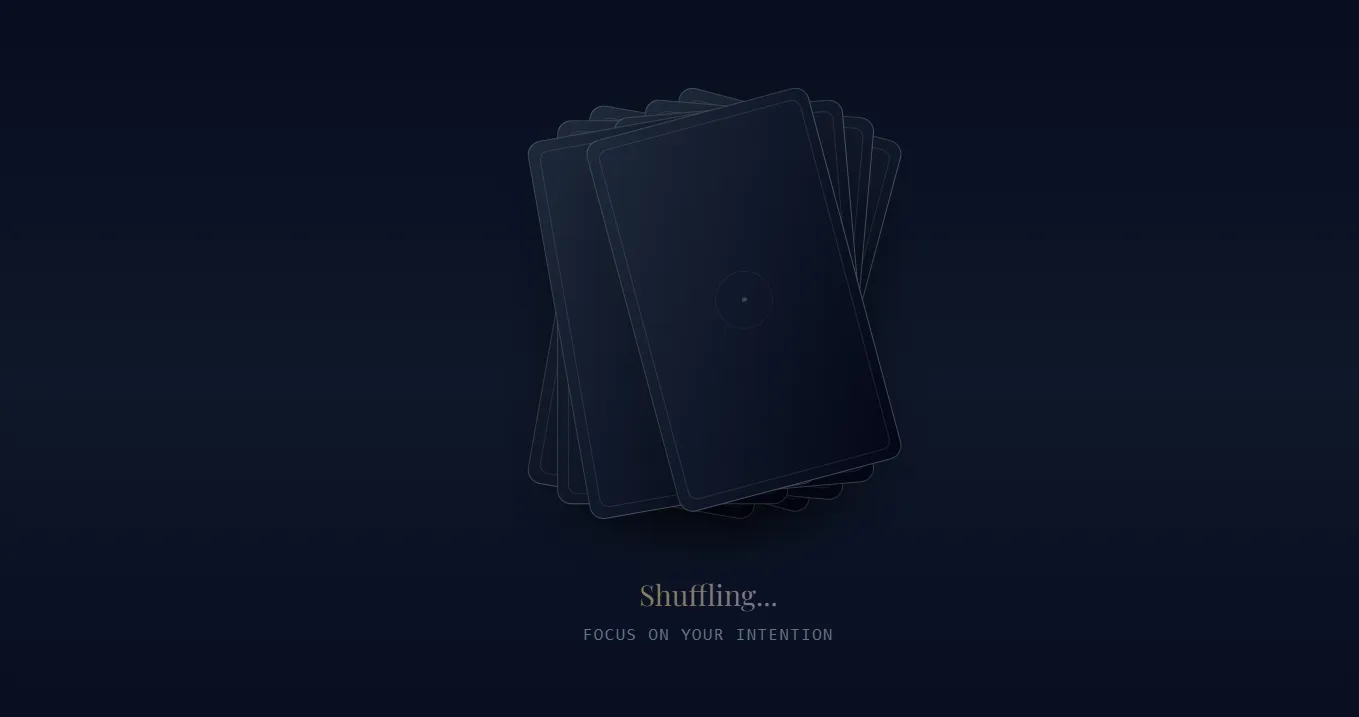
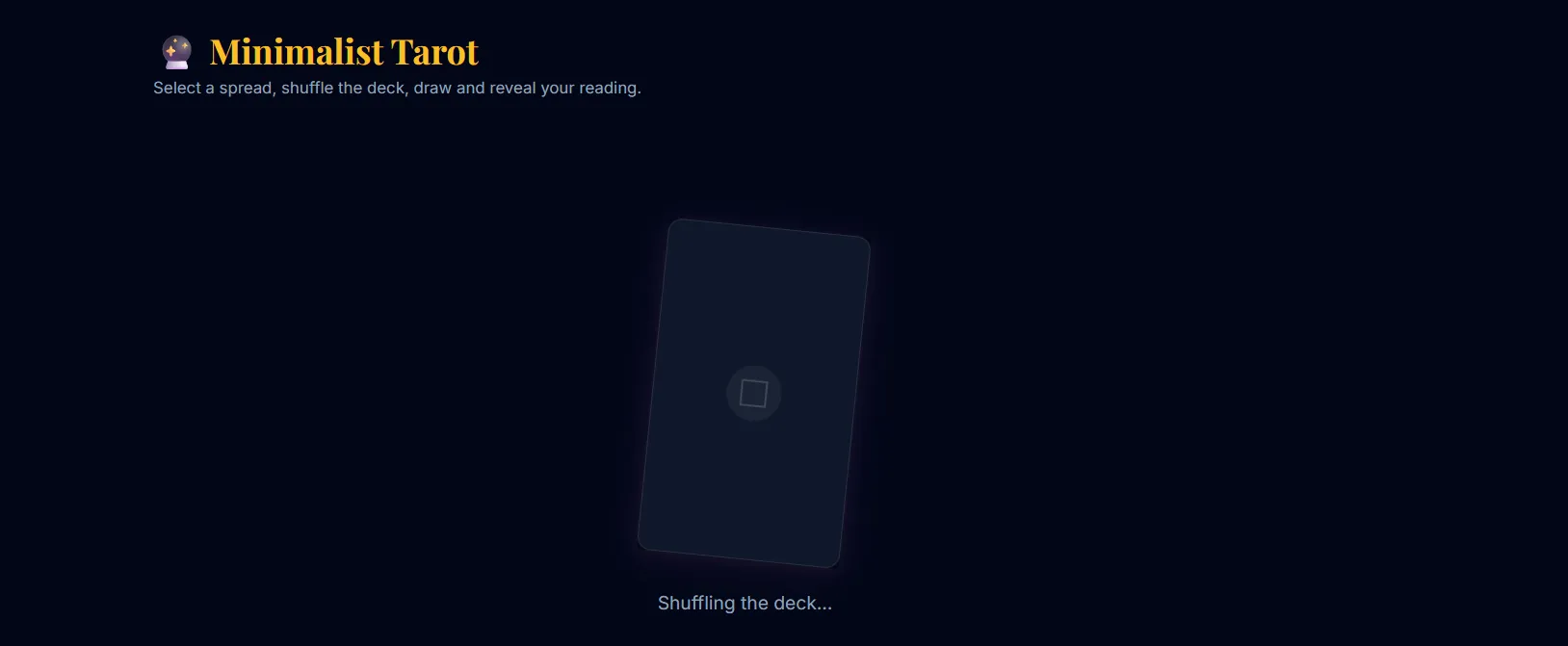
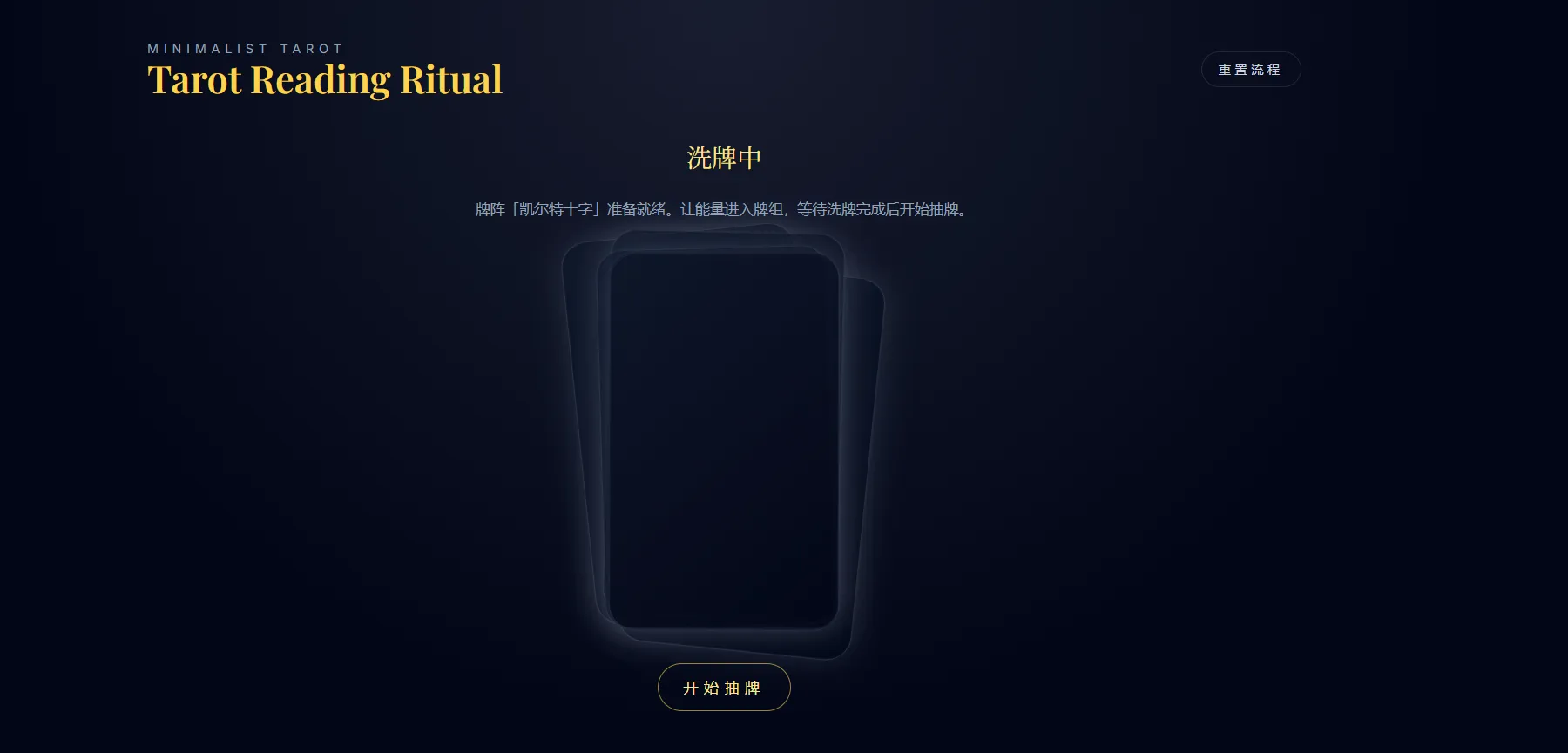
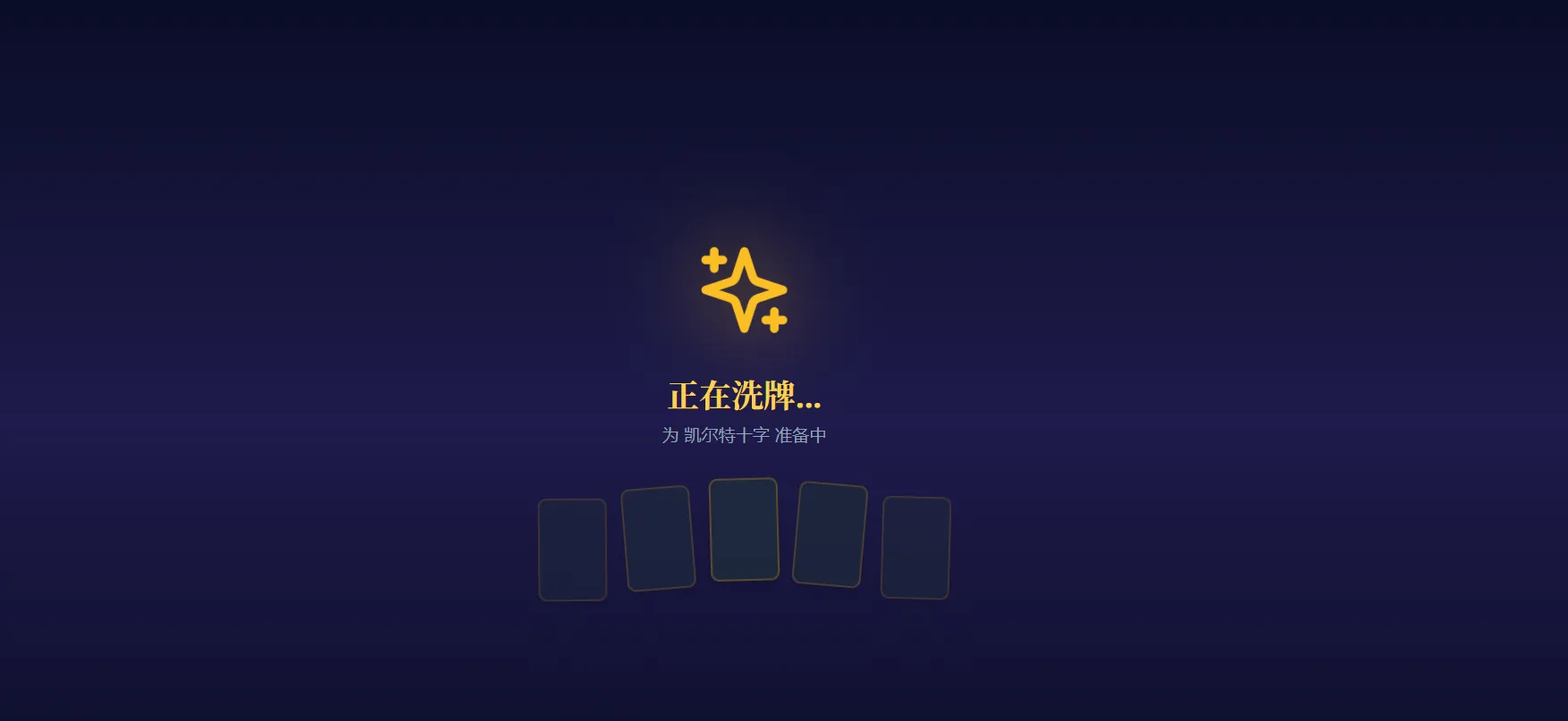
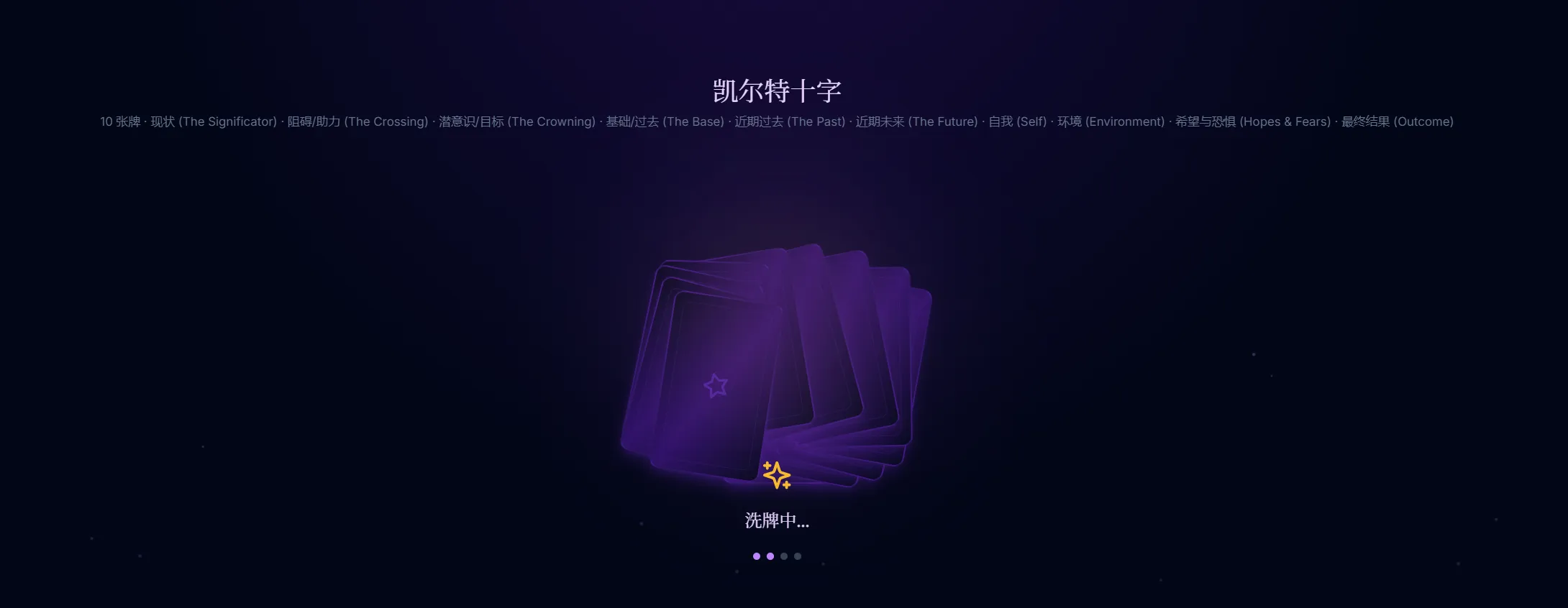
## 3. The Flow (UX) 1. **Selection Screen**: User selects a spread from `spreads.json` (e.g., "圣三角"). 2. **Shuffle Animation**: Show a CSS-only animation of cards shuffling. 3. **Draw Screen**: User clicks a deck to draw cards one by one. 4. **Result Screen**: - Show the cards in the layout defined in `spreads.json`. - Clicking a card reveals its `description` and specific `meaning` (based on upright/reversed status). - For `spreads` like "Three Card", match the card position index to the meaning in `spreads.json` (e.g., "Card 1: Past").
.webp)